SKX-6000D +/E + series defibrillator simulator defibrillators and AEDs for daily maintenance and detection.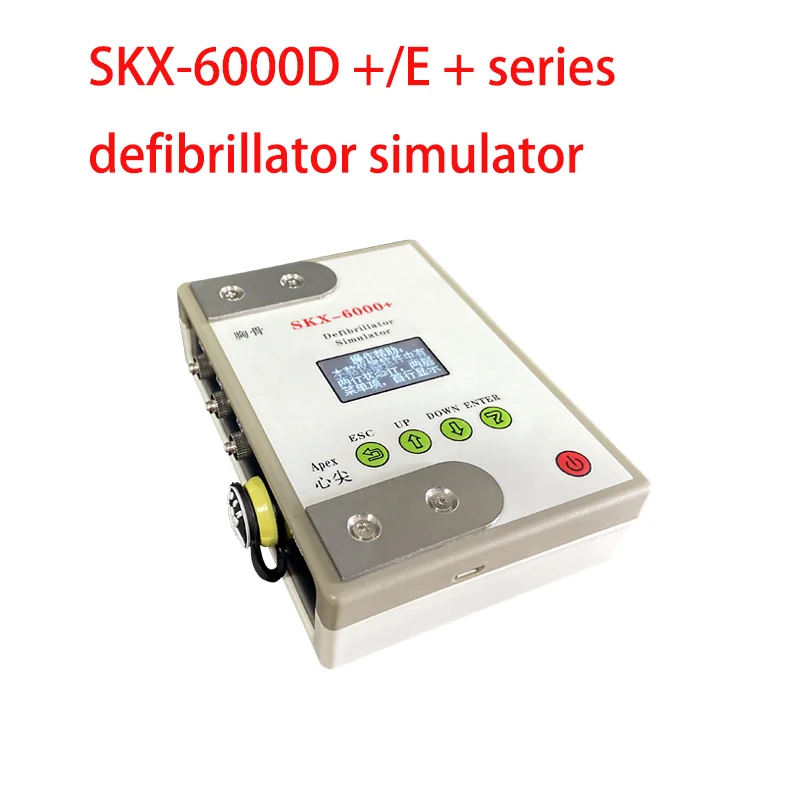
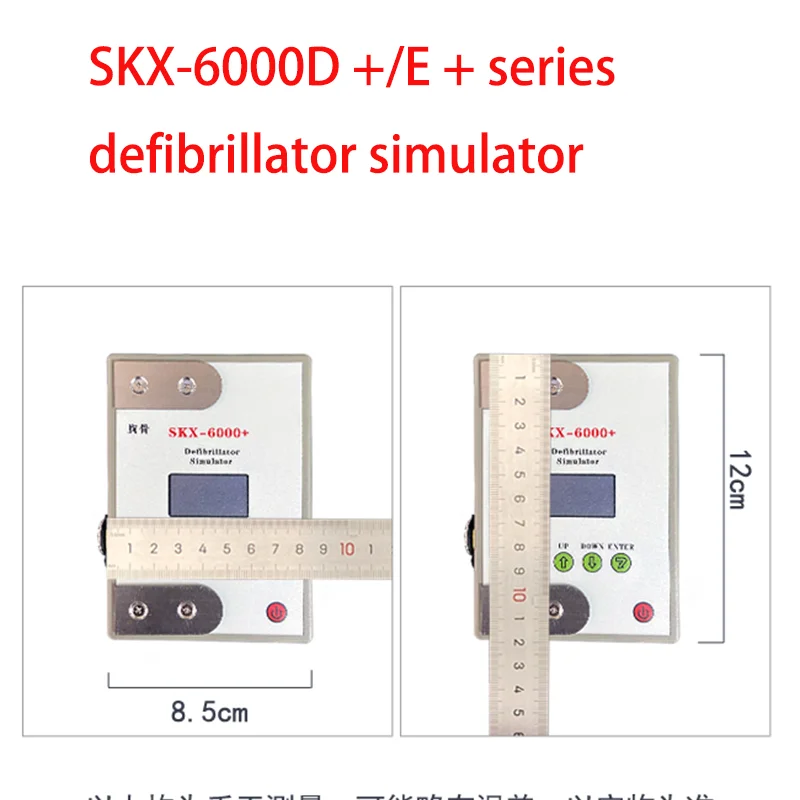 The characteristics of SKX-6000E+are as follows:
★ Built in 18650 high capacity lithium battery, power management module, ensuring stable power supply and low interference output during use. Optional standard micro USB universal interface power charger.
★ Adopting menu style operation, parameter changes are simple, convenient, and fast, making it easy for users to set.
★ Using an OLED display screen to display menu content.
★ Simple button operation, menu management, and easy to use.
★ Built in Chinese and English waveform setting instructions, easy to understand waveform settings and parameter selection.
Quick operation guide:
① Press the power on button for two seconds when the simulator is turned on, and you can view the help. Select the return button (ESC) to directly enter the interface;
Shape;
③ During the operation of the simulator, the defibrillator can be connected to the stainless steel electrode of the simulator through the defibrillation electrode. It can collect simulated electrocardiogram waveforms to perform defibrillation discharge on the simulator, and the simulator receives the defibrillator's released defibrillator
Automatically convert to normal waveform after shaking energy, and display as 1 in the status bar No; Indicates receiving a defibrillation energy; No: Start the normal waveform countdown at.
Connect AED and simulator to proceed with the working process of process 3. The discarded disposable electrode piece can be cut and welded to the Remo plug as a connecting wire between the AED and the simulator.
Precautions when using the instrument
① Because the simulator is a specialized simulator for defibrillators, professional personnel are required to operate the defibrillator during the process of releasing energy during operation;
② The stainless steel electrode of the simulator is used to receive the released energy of the defibrillator, and it is connected in parallel with the AED Ramo head interface. Therefore, when using the AED Ramo head interface for defibrillator simulation operation, the human body is prohibited
Contact stainless steel electrode plates to avoid electric shock hazards;
③ The electrocardiogram waveform of the simulator is output synchronously through three interfaces: stainless steel electrode, AED Remo head interface, and buckle lead wire interface. Three signals have simultaneity;
④ The simulator only outputs waveforms and does not design amplitude parameters.
Key Description
The simulator has five buttons in total
From left to right, there are return keys, increase (right shift) keys, decrease (left shift) keys, confirm keys, and the start button in the bottom right corner.
Key definition:
Return key: Return from the parameter layer to the menu layer, where the menu is the top-level menu and the parameters are the low-level menu;
Add key: Select menu items backwards in the menu layer, with waveform selection as the first item and version number as the last item;
Decrease key: Select the menu item forward in the menu layer, with waveform selection as the first item and version number as the last item;
Confirmation key: Select the confirmation key to enter the parameter layer from the menu layer. The confirmation key will confirm the parameters and make changes.
On key: start the machine: long press the on key for two seconds, and when the "operation help" is displayed, press the selection key again to enter the Home screen of the instrument.
Shutdown: In the displayed state on the screen, press and hold the on button for two seconds to shut down the instrument.
Note: When the "Operation Help" is displayed on the startup screen, the function of the increase button is to scroll down one page, and the function of the decrease button is to scroll up one page. The OK button has no effect at this time, and only by pressing the Select button can the instrument be accessed
Home screen.
The displayed operation help can be selected to be closed. The following steps are for closing the operation help:
1. Long press the on button, then press the select button to enter the main interface of the instrument.
2. Use the increase or decrease keys to adjust the "waveform selection" to "display help", then press the OK key. At this time, the parameter layer displays the current status of "display help".
3. When the * symbol is on the right side of the "display", use the increase or decrease keys to change the parameter content to on or off,
4. Press the return button to return * to the right side of "Display Help", use the increase button to switch to "Save Settings".
6. Click the confirm button, and the "confirm" will change to "save complete", indicating that the save is complete.
7. Long press the on button, shut down and start the machine, and it will skip the "operation help" and directly enter the main interface of the instrument.
The difference between SKX-6000D+/SKX-6000E+
★ SKX-6000D+cannot detect defibrillation energy value
SKX-6000E+can detect the release energy value of defibrillation/AED, with a detection range of 50J-200J





